
WordPress allows roles to be assigned to specific users of a website. Each role has set capabilities, some of which can be altered. Custom roles can also be created (via plugin management).
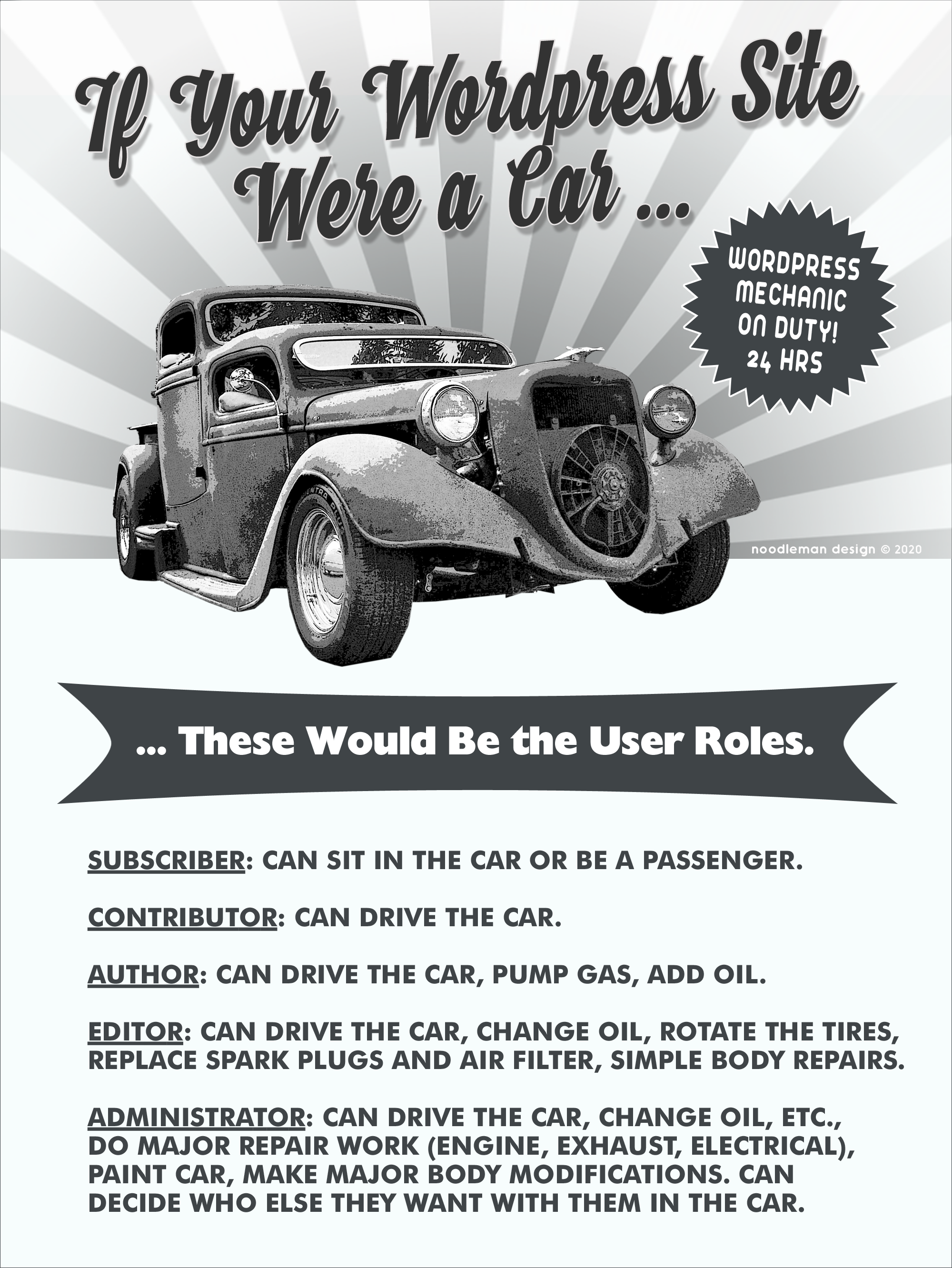
Roles range from “administrator”, who has access to all the possible website tasks, down to “subscriber”, who only has the ability to read the website. It is the site administrator who manages user access, who assigns the different access levels for such tasks as writing and editing Posts, creating Pages, creating Categories, moderating Comments, installing/managing Plugins, installing/managing Themes, and managing other users, by assigning a specific role to each contributing user:
- Administrator (slug: ‘administrator’) – For the person (or persons) who has access to all of the administration features and functions within a single site.
- Editor (slug: ‘editor’) – For someone who can publish and manage posts including the posts of other users.
- Author (slug: ‘author’) – For someone who can publish and manage their own posts.
- Contributor (slug: ‘contributor’) – For someone who can write and manage their own posts but cannot publish them without editor approval.
- Subscriber (slug: ‘subscriber’) – For a user who can only manage their account profile (e.g. listserv subscriptions).
For more detail and the complete lists of specific actions allowed per each role, see: WordPress Manual (Role and Capabilities).